
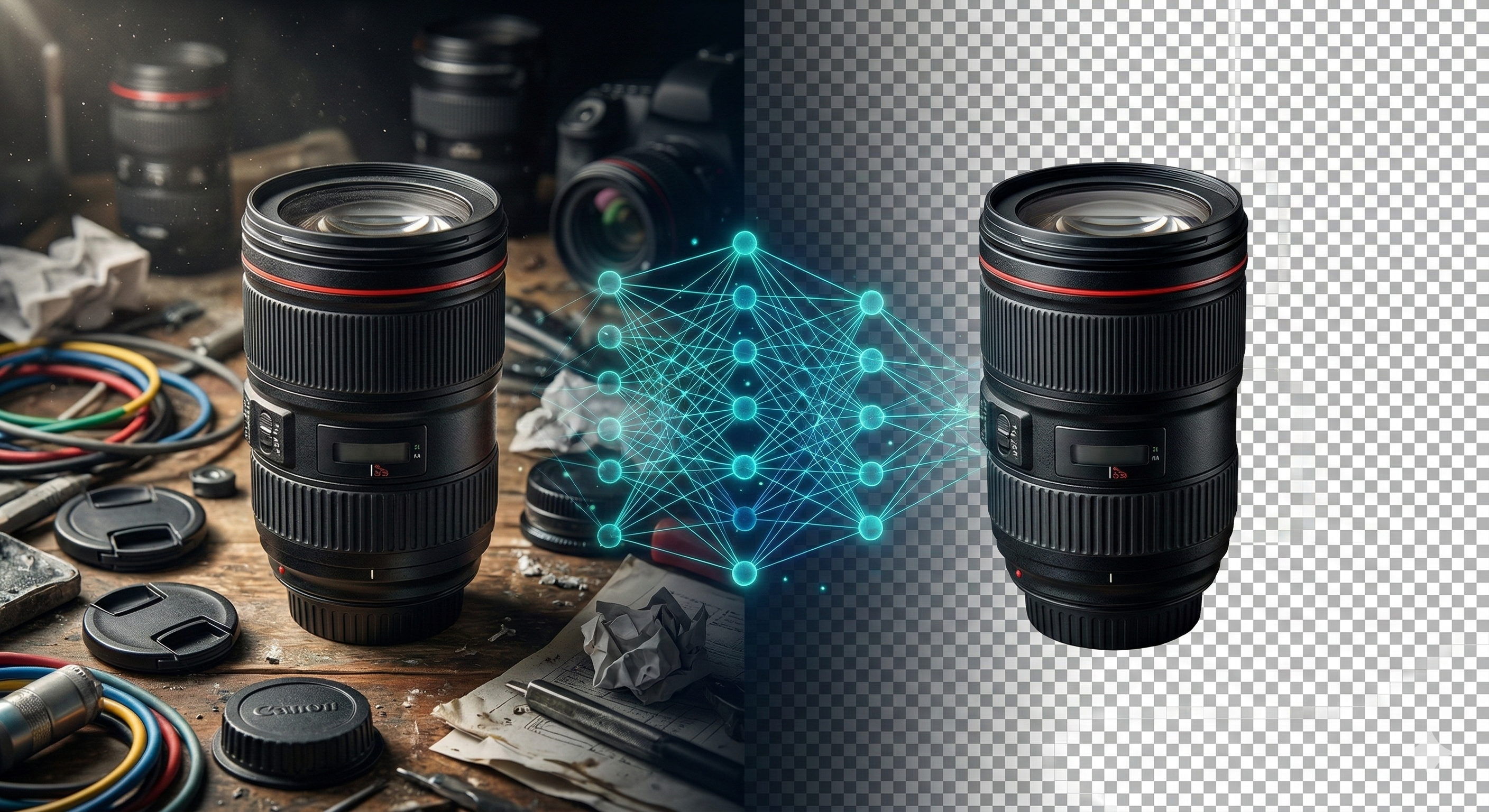
A freelance graphic designer recently reached out to me in sheer panic. She had just landed a massive e-commerce client requiring background removals for 5,000 product photos. After running the first 100 images through a popular cloud-based AI API, she received a billing alert that instantly wiped out her entire profit margin. Furthermore, the free fallback tools she tried ruined her professional delivery by stamping massive logos over the final images. This is the harsh reality of the modern SaaS landscape: you either pay exorbitant compute fees, or you pay with your data and professional image.
Finding a truly free AI background remover no watermark that does not compromise on quality or privacy is a structural challenge. The solution lies in fundamentally changing where the artificial intelligence runs.
The Shift from Cloud GPUs to Local WebAssembly
Historically, isolating a subject from its background—accurately masking difficult edges like hair, fur, or transparent glass—required heavy neural networks running on server-side GPU clusters. Every time you uploaded an image, you triggered a costly backend process.
Today, modern browsers have evolved into computational powerhouses. By compiling machine learning models (like U-Net architectures) into WebAssembly (WASM), we can execute neural networks directly inside your local environment. When you use a client-side free AI background remover no watermark, the AI model is cached in your browser. It leverages your device's WebGL and GPU to perform the segmentation locally.
This architecture destroys the traditional pricing model. Because the developer pays zero server compute costs, the user gets unlimited, watermark-free high-resolution processing.
Privacy in the Age of Generative AI
When dealing with unreleased product photos or personal portraits, uploading raw files to third-party APIs is a massive security risk. Many free cloud tools offset their server costs by retaining your images to train their future AI models.
Local processing establishes a zero-trust environment. The AI calculates the alpha channel (transparency) entirely on your RAM. For a complete privacy-first workflow, professionals often use a local Image EXIF Remover to strip metadata before isolating the subject, and then compress the final PNG using a client-side Image Compressor to ensure the file is lightweight for web deployment.
Architectural Comparison: Cloud vs. Local AI
| Metric | Cloud API (e.g. Remove.bg) | Local Browser AI (08 Tech Group) |
|---|---|---|
| Cost | High (pay per image) | 100% Free |
| Output Quality | High | High (edge-aware segmentation) |
| Watermarks | Forced on free tiers | No watermarks |
| Data Privacy | Images uploaded to servers | Images never leave the device |
| Offline Capability | Impossible | Works offline after initial load |
Maximizing Edge Accuracy
To get the best results from browser-based segmentation models, ensure your subject has decent contrast against the background. While the AI is incredibly adept at recognizing human subjects, products, and animals, feeding it a well-lit image reduces the computational load and yields a perfectly crisp transparent edge, ready to be dropped into any UI or marketing material.
People Also Ask (FAQ)
Is it really possible to run AI without an internet connection? Yes. Once the initial web page and the lightweight AI model (usually a few megabytes) are loaded into your browser cache, the actual image processing happens locally using your device's hardware. You can disconnect from the internet, and the tool will still remove backgrounds.
Why do some free tools add watermarks? Cloud-based tools add watermarks to free outputs to force users into paying for premium subscriptions, which they need to cover their massive server and GPU hosting costs. Client-side tools do not have these costs, eliminating the need for watermarks.
Does a background remover reduce image quality? Our client-side tool only alters the alpha channel (making the background transparent) without downsampling the resolution of the main subject. Your exported PNG maintains the original dimensions and visual fidelity of the subject.